
by Eli Fulton | Nov 9, 2026 | Point of Sale Systems (POS) |
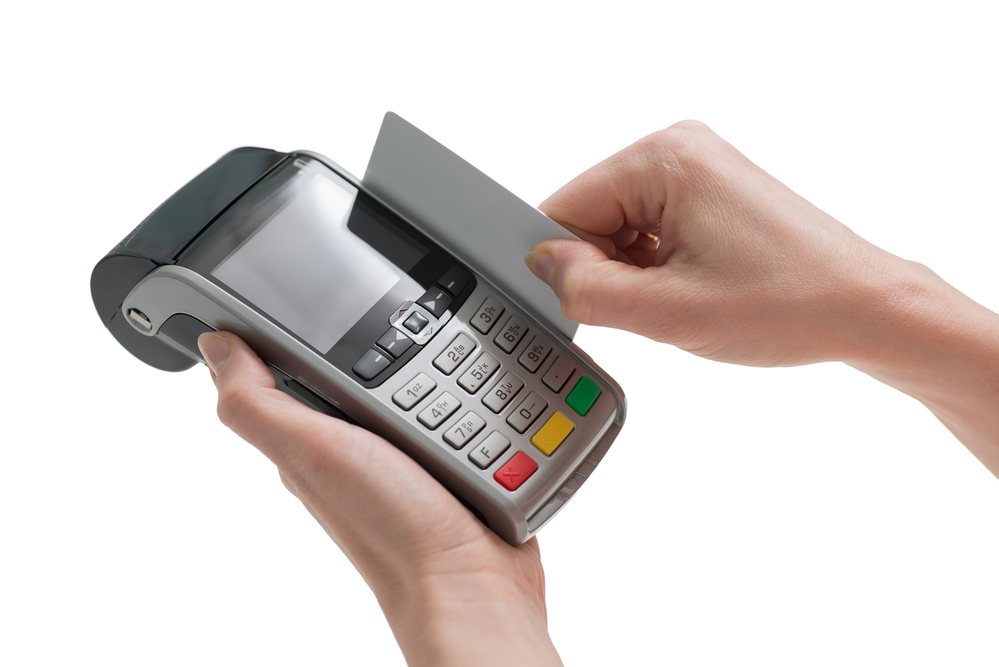
Picture a busy store with customers lining up to pay, but the card reader suddenly stops working. Staff try another terminal, but that doesn’t work either. Situations like this are why businesses need POS system support. It helps fix payment errors, sort out software issues, and get checkout equipment working again.
Table of Contents
What Is POS System Support?
POS system support covers the tools and help needed to keep your point-of-sale system running. This includes fixing broken equipment, updating software, and helping staff use the system correctly.
Understanding POS System Support
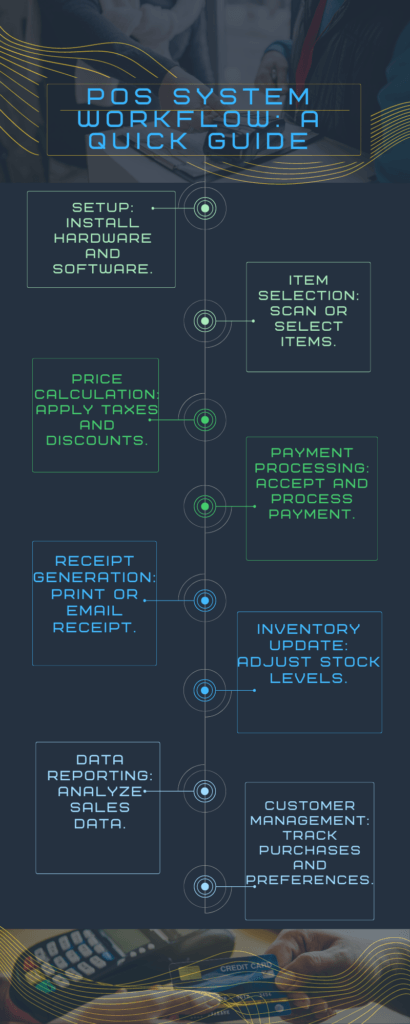
Several things happen when someone pays at the counter. The register logs the sale, the card reader handles the payment, and the printer gives the customer a receipt. If one part stops working, POS support helps track down the problem and get things running again.
Software Updates and Maintenance
Outdated software can cause payment errors or security gaps. Support teams install approved updates, check settings, and fix issues before they affect sales.
Hardware Troubleshooting
Sometimes, a printer has paper but won’t print anything. Other times, a card reader keeps losing its connection halfway through a sale. A technician can check the cables, test the equipment, and find out whether a repair or replacement is needed.
Training and Consultation
A new employee might not know what to do when a payment fails or a receipt doesn’t print. Rather than calling for help every time, staff can learn how to handle these small problems themselves. Training also shows them when an issue needs technical support.
Three Hidden Benefits of POS System Support
Most people think POS support is just about fixing broken equipment. But it can also help with a few everyday problems that businesses deal with.
- Fewer checkout delays: Nobody wants a long line at the register. Getting problems fixed quickly helps staff serve customers without too much disruption.
- Happier customers: When payments and returns go through without trouble, customers spend less time waiting.
- Safer payments: Keeping equipment and software in good shape helps lower the risk of payment security issues.
The PCI Security Standards Council advises businesses to check their payment terminals for signs of tampering.
What Does a POS System Do
A POS system isn’t just a place to take payments. Depending on the software, it can also keep track of stock, save sales records, and show which products sell the most.
Setup and Integration
First, you’ll need the right equipment. This may include a tablet, barcode scanner, cash drawer, and receipt printer.
The software should also work with your accounting and stock tools.
Operational Workflow
Here’s what normally happens during a sale:
- Staff scan items or enter an order.
- The POS works out the total and takes payment.
- The system records the sale and prints or sends a receipt.
- Stock records update when that feature is available.
Examples of POS System Applications
Retail stores use POS tools to check stock and process returns.
Restaurants use them to send orders to the kitchen and split bills.
Service businesses use them to manage bookings, payments, and customer records.
What Is POS in Customer Support
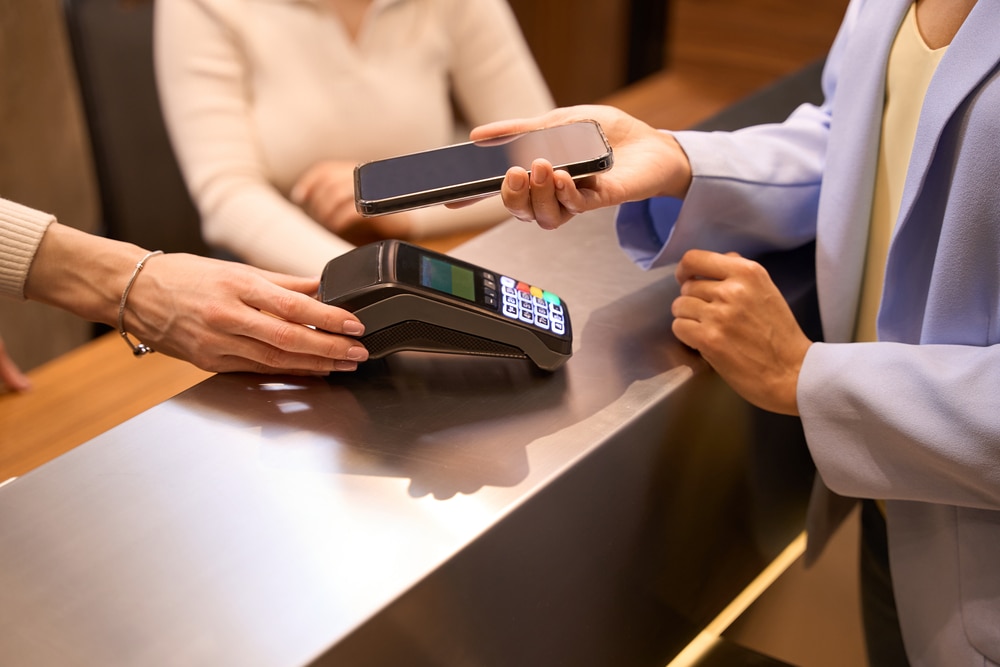
POS records help staff deal with customer questions. Instead of checking paper receipts, they can look up past sales and payment details.
Personalized Customer Service
Let’s say a customer wants to buy the same product they purchased a few weeks ago. If the POS keeps purchase records, staff can look up the earlier sale instead of asking the customer to remember every detail. Of course, they should only access records they’re allowed to view.
Efficient Issue Resolution
A customer might come back because they think their card was charged twice. Before processing a refund, staff can pull up the transaction history and see what actually went through.
Some POS systems can also send receipts or order updates by email or text.
Loyalty Programs and Rewards
Many POS systems can track reward points and discounts. If the points don’t appear, support staff can check the settings and account records.
Examples of POS Enhancing Customer Support
Customers don’t always keep their receipts. If someone wants to return a shirt, a clothing store may be able to find the original sale through its POS records. At a salon, staff can check an old booking to confirm which service a client had last time.
Having these details on hand can save a few phone calls and prevent mix-ups.
What Does POS System Support Cost?
Costs depend on your equipment, the number of checkout stations, and the type of help you need.
The Retail Solutions Providers Association published these service pricing examples in 2021:
Support service
Published example
Hourly POS support
150–250 per hour
Monthly support
$50 for the first terminal
Extra terminals
$40 each per month
Four-terminal setup
$170 per month
These are older industry examples, not current rates or quotes from Down to Earth Technology.
Some POS plans already include basic support. Others charge extra for on-site visits, replacement parts, or after-hours calls.
How to Troubleshoot Common POS Problems
Before calling a technician, there are a few things worth checking.
If Your Card Reader Stops Working
- Check the power. Make sure the reader is charged or plugged in.
- Test the connection. Try opening another app or website on the same network to see if it’s working.
- Look up the last transaction. Make sure the payment didn’t go through before asking the customer to try again.
- Get help if needed. If the reader still won’t respond, contact your POS provider and explain what happened.
Don’t try to open or repair a sealed card reader yourself. If something looks damaged or tampered with, report it to your payment provider.
If Your Receipt Printer Won’t Print
- Start with the paper roll. Make sure there’s enough paper and it’s loaded the right way.
- Check whether the printer has power or is showing an error light.
- See if the cable is loose or the wireless connection has dropped.
- Try printing a test receipt to check whether the problem is still there.
If the printer still doesn’t respond, you may need someone to inspect it. In some cases, replacing a worn-out part is enough.
How to Choose a POS Support Provider

Imagine your checkout system going down in the middle of your busiest day. You’d want someone who answers the phone and knows how to fix the problem, not just a company offering the lowest monthly rate.
Before signing up, ask:
- Experience: Have they worked with your POS brand?
- Response time: Can you reach someone when your store is open, including weekends if needed?
- Coverage: Will they help with the internet connection as well as the POS equipment?
- Pricing: If a technician needs to visit your site, will that cost extra?
- Security: What steps do they take to keep customer payment details safe?
It’s worth reading the service agreement before you commit. Check what’s included and which problems might come with extra fees.
What is the cost of POS system support?
POS support costs vary based on the service needed. The Retail Solutions Providers Association reported examples of $150 to $250 per hour in 2021. Current rates may differ, so request a quote before booking a repair.
How do I choose a POS support provider?
Ask whether they’ve worked with the same POS system your business uses. You’ll also want to know how long it takes them to respond, especially if you trade on weekends or late at night. Before making a choice, check what their support plan covers and whether you’ll pay extra for repairs or site visits.
What is the difference between hardware and software POS support?
Hardware support deals with the equipment you can touch, such as card readers, barcode scanners, and receipt printers. Software support is for issues like an app freezing, a payment error, or an update that won’t install. Sometimes the two overlap, so a technician may need to check both before finding the cause.
How much does outsourced POS support cost?
It depends on whether you pay for each repair or have an ongoing support plan. One published industry example from 2021 puts support for four terminals at $170 per month. That’s a useful reference when planning your budget, but you’ll need a current quote based on your own setup.
Can POS support fix payment connection errors?
In many cases, yes. A support technician can check whether the card reader has lost its connection, the network is down, or a setting has changed. If the issue is on the payment processor’s side, your POS provider may need to contact them to help get it sorted out.
Why won’t my POS printer print receipts?
You might simply have a paper roll loaded backward or a cable that’s come loose. If those look fine, check whether the printer is still connected to your POS system. Try a test print, and if nothing comes out, have your support provider check for a fault.
Does a cloud-based POS system still need support?
Yes, cloud-based POS systems can still run into problems. Your internet connection, card reader, and other devices must work properly. Support also helps with account access, updates, and software errors.
How often should a POS system be maintained?
Check your POS equipment regularly for loose cables, damage, and connection issues. Install updates when your software provider recommends them. It’s also worth having your system checked before busy seasons or major sales events.
A working POS system makes daily tasks easier for staff and customers. When something goes wrong, the right support can help you get back to business sooner. Down to Earth Technology provides reliable POS support and network services for businesses in Waco, Texas, and beyond. Contact our team today to request a quote and find the right support for your business.